
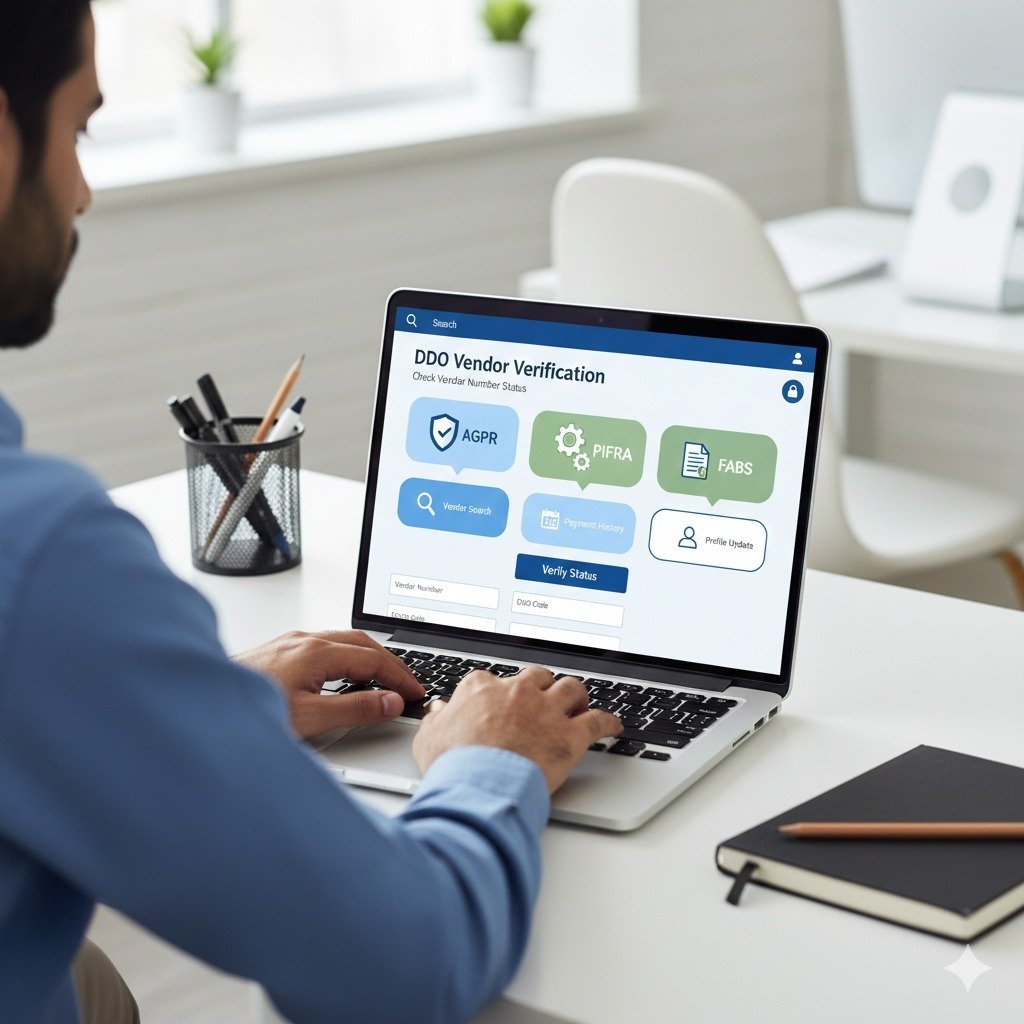

Whether you are a contractor for the Federal Government, a supplier for the Punjab Government, or a service provider for Sindh, Pakistan’s digital financial system has made payment tracking much easier. Using the vendor AGPR system and the FABS (Financial Accounting and Budgeting System) portal, businesses and government suppliers can now check their payments and invoices online, without visiting offices in person.
This guide explains how to perform a Vendor Number check online, verify your DDO vendor number, access DDO vendor information, and do a complete DDO vendor check. It also shows how to find all essential vendor number information to ensure your payments are processed smoothly. From Gilgit-Baltistan to Kashmir, and from Balochistan to Sindh, KPK, and Punjab, this guide helps every government contractor and supplier manage their payments efficiently.
Understanding Vendor Number Information
What is a Vendor Number?
A Vendor Number is a unique identification code issued by the Accountant General Pakistan Revenues (AGPR) or provincial account offices. It acts as your digital identity within the government’s SAP-ERP system.
Whether you work with the KPK government, Balochistan government, or the Kashmir Council, this number is mandatory to receive any payment directly into your bank account. Without a valid vendor number, no Electronic Fund Transfer (EFT) can be processed to your account.
Related Helpful Resources
Step-by-Step Guide: How to Register and Track Payments
Following this proper step-by-step method will ensure your business remains compliant and your payments are never delayed. Each step is crucial for successful vendor registration and payment tracking.
Step 1: Register as a Vendor
To start receiving government payments, you must be created in the system as an official vendor.
Action Required:
Submit the Vendor Creation Form to your relevant AGPR or District Accounts Office.
Required Documents:
- Business NTN (National Tax Number) from Federal Board of Revenue (FBR)
- Owner’s CNIC (Computerized National Identity Card)
- Bank-Attested IBAN (International Bank Account Number) – Must be 24 characters
- Active Taxpayer status certificate from FBR
Expected Outcome:
Once your documents are processed and verified, the AGPR will issue your official vendor number information. This typically takes 7-15 working days depending on the government department.
Step 2: Vendor Number Check Online
Once you have submitted your registration papers, you don’t need to wait for a phone call or visit the office repeatedly.
How to Check:
- Visit the official PIFRA/FABS portal at m.pifra.gov.pk/vendor_info
- Select your government type (e.g., F for Federal, P for Punjab, S for Sindh)
- Enter your CNIC (13 digits without dashes) or NTN (8 digits)
- Click on the search button
What You’ll See:
The system will display your 10-digit vendor number, registration status (Active/Inactive), and linked bank account details if the registration is complete.
Step 3: Online Verification and Search
For DDOs (Drawing and Disbursing Officers) and contractors alike, verifying the status of a vendor is crucial before processing any payment.
Verification Process:
- Use the DDO vendor check tool on the PIFRA portal
- Ensure the vendor profile status shows as Active
- Search by CNIC (13-digit without dashes) or NTN (8-digit)
- Verify that the bank account details match your records
Important Note: If the status shows Inactive, payments cannot be processed. Contact your District Accounts Office immediately to reactivate your vendor profile.
Step 4: Track Payments (EFT Tracking)
Once your bill is passed by the accounts office, you can track when the money will arrive in your bank account.
Tracking Steps:
- Log in to the PIFRA portal using your vendor number
- Navigate to the Payment Tracking or EFT Status section
- Enter your vendor number and bill reference number
- View the Electronic Fund Transfer (EFT) date and amount cleared
What Information You’ll Get:
The portal displays the exact date of transfer, payment amount, deductions (if any), and the current status of your payment. This is the most transparent way to manage DDO vendor information and avoid unnecessary follow-ups.
Step 5: Maintain and Update Data
Keeping your vendor information current is essential to avoid payment delays and reversals.
When to Update:
- When you change your bank branch or bank account
- If your NTN status changes or is updated by FBR
- When your CNIC is renewed or updated
- If your business ownership or legal status changes
How to Update:
Submit an updated Vendor Modification Form to your relevant AGPR office with supporting documents. You must update your vendor AGPR profile immediately to prevent payment reversals.
Critical Warning:
Keeping your IBAN updated in the FABS system is the ONLY way to avoid Payment Reversals. Outdated bank information is the leading cause of payment failures.

What to Do and What Not to Do
| What to Do | What Not to Do |
|---|---|
| Ensure your IBAN is 24 characters long and bank-attested before submission | Do NOT use a personal bank account for a Company registered NTN |
| Use the vendor number check online every time you submit a new bill to verify active status | Do NOT share your DDO vendor number or OTP with unauthorized persons or agents |
| Keep copies of your FBR Taxpayer unit certificates and Active Taxpayer List status updated | Do NOT ignore Inactive status; it usually means your CNIC/NTN is expired or suspended |
| Regularly check your payment status on the PIFRA portal to track EFT transfers | Do NOT submit fake or fraudulent documents; this can lead to permanent blacklisting |
| Contact your District Accounts Office immediately if you notice any discrepancies | Do NOT forget to update your vendor information when changing banks or branches |
Regional Government Codes for Vendor Search
When searching for your DDO vendor number on the PIFRA portal, you must select the correct government code. Use these specific prefixes for accuracy:
- F: Federal Government
- P: Punjab Government / DGP: District Government Punjab
- S: Sindh Government
- N: KPK Government / District Government KP
- B: Balochistan Government
- K: Kashmir / C: Kashmir Council
- G: Gilgit Baltistan / GB Council
Frequently Asked Questions
How can I perform a Vendor Number check online?
Answer: Visit the PIFRA Vendor Info page at m.pifra.gov.pk/vendor_info, select your Government code (F for Federal, P for Punjab, etc.), and enter your CNIC (13 digits) or NTN (8 digits). If you are registered, your 10-digit vendor number will appear along with your status.
What is the DDO vendor number?
Answer: The DDO vendor number is the same as your vendor number. DDOs (Drawing and Disbursing Officers) use it to link your specific bill to the departmental budget (DDO budget PIFRA). It ensures that payments are charged to the correct budget head.
Why is my vendor information not showing on the portal?
Answer: This usually happens due to three reasons: (1) Data entry error in your CNIC or NTN, (2) The AGPR has not yet approved your Vendor Creation Form, or (3) Your documents are still under verification. Wait 7-15 working days after submission, then contact your District Accounts Office if the issue persists.
Does this system work for Gilgit Baltistan (GB) Council contractors?
Answer: Yes, contractors and suppliers for Gilgit Baltistan and the GB Council use the same FABS/PIFRA system for vendor registration and payment tracking. Use the code G when searching for your vendor information.
How long does it take to receive payment after bill approval?
Answer: Once your bill is passed by the DDO and approved by the Accounts Office, the Electronic Fund Transfer (EFT) typically takes 3-7 working days to reflect in your bank account. You can track the exact status on the PIFRA portal.
What should I do if my vendor status shows Inactive?
Answer: An Inactive status means your profile has been temporarily suspended, usually due to expired CNIC, suspended NTN by FBR, or outdated bank information. Contact your District Accounts Office immediately with updated documents to reactivate your profile.
Can I have multiple vendor numbers for different government departments?
Answer: Yes, if you work with multiple government entities (Federal, Provincial, or District), you may have separate vendor numbers for each. However, your CNIC and NTN remain the same across all registrations.
What is the difference between PIFRA and AGPR?
Answer: PIFRA (Project to Improve Financial Reporting and Auditing) is the digital system/software, while AGPR (Accountant General Pakistan Revenues) is the government department that manages it. PIFRA is the tool; AGPR is the organization using it.
Is there any fee for vendor registration in the PIFRA system?
Answer: No, vendor registration in the PIFRA/AGPR system is completely free. Do not pay any agent or middleman claiming to expedite your registration. All services are provided free of cost by government offices.
How can I update my bank account details in the vendor system?
Answer: Submit a Vendor Modification Form to your relevant District Accounts Office along with a bank-attested IBAN certificate and a copy of your updated bank passbook or statement. The update typically takes 5-10 working days.
Official Government Resources
Official PIFRA Portal: https://m.pifra.gov.pk/vendor_info
AGPR Official Website: www.agpr.gov.pk
Finance Division Pakistan: www.finance.gov.pk
Always verify that official government URLs end with .gov.pk before entering any sensitive information.

Important Disclaimer and Notice
- Non-Government Entity: This website is an independent, private, and unofficial educational blog. We are NOT affiliated with, authorized by, or endorsed by the Government of Pakistan, the Accountant General Pakistan Revenues (AGPR), PIFRA, or any provincial Finance Department.
- Purpose of Information: All content provided here is intended for general informational and guidance purposes only. Our mission is to help government employees use official digital resources more easily and effortlessly.
- Data Privacy: We do not collect, store, or ask for your sensitive personal data such as CNICs, Personnel