
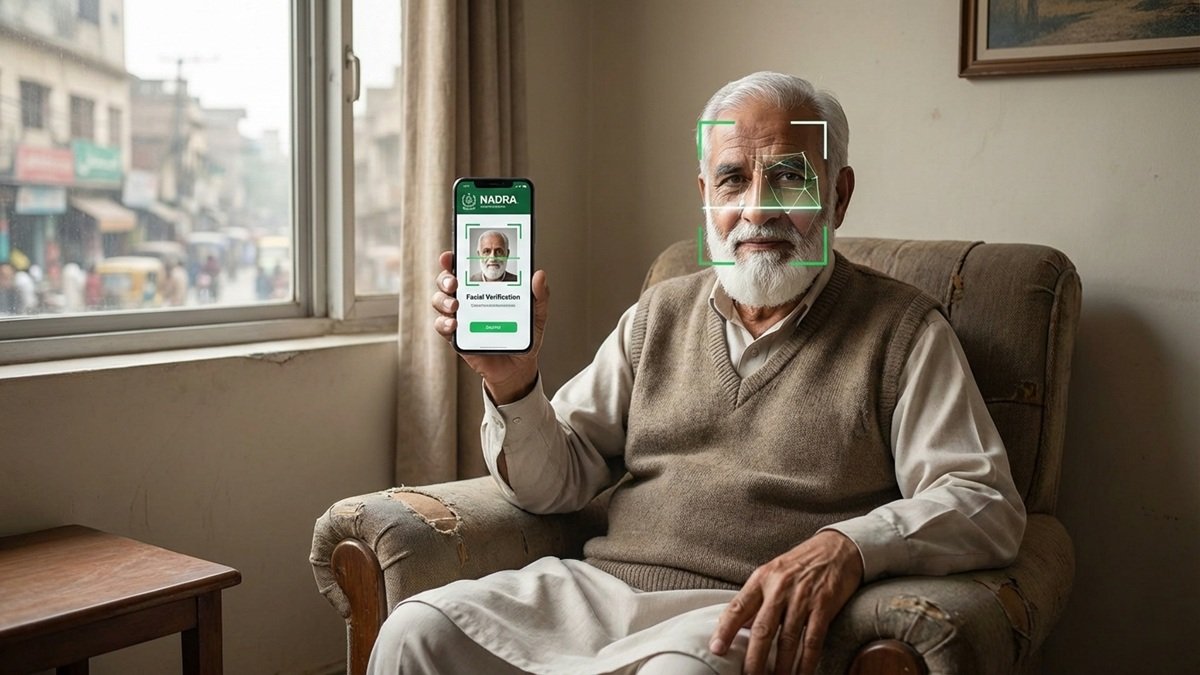
NADRA’s Facial Recognition & CNIC Verification History: Why This Change Matters for Elderly Citizens and All Pakistanis
Pakistan’s digital identity system has taken an important step forward. NADRA has introduced a CNIC Verification History feature that lets citizens check where and how their identity was verified. At the same time, facial recognition certificates are becoming a key solution for elderly citizens who face fingerprint failures.
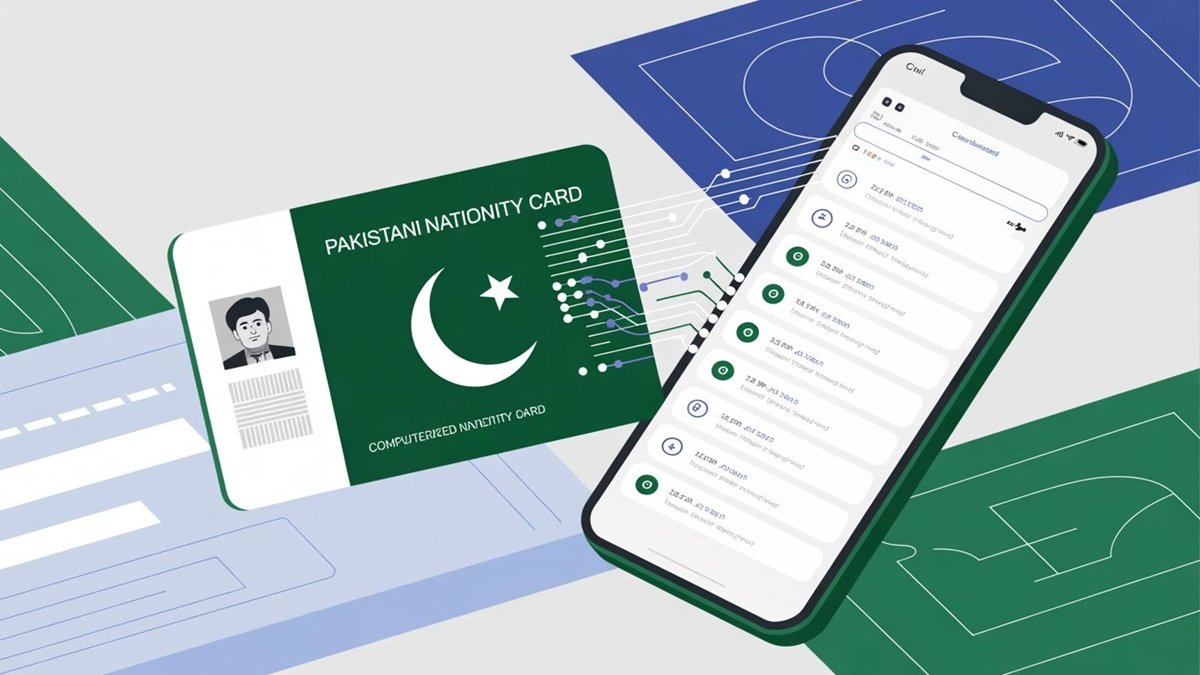
Together, these changes improve transparency, reduce fraud, and make everyday services easier—especially for senior citizens. This article explains what NADRA changed, why it matters now, and how people can use these tools safely.
Table of Contents
- What NADRA’s New Verification History Feature Does
- Why Facial Recognition Matters for Elderly Citizens
- How NADRA’s Facial Verification System Works
- Step-by-Step: How to Check CNIC Verification History
- Security, Privacy, and Identity Protection
- What Changed From Previous NADRA Systems
- Expert Insights and Policy Context
- Common Problems and Practical Fixes
- What Happens Next?
- Key Facts at a Glance
- Frequently Asked Questions
What NADRA’s New Verification History Feature Does
NADRA has added a Verification History section inside its official Pak Identity (Pak ID) app. This section shows when and where a citizen’s CNIC or biometric data was used for verification.
According to NADRA’s official digital services overview, the feature displays:
- Date and time of verification
- Method used (CNIC number, fingerprint, facial recognition, or QR code)
- Organization involved, such as a bank, telecom company, or government office
Earlier, citizens had no visibility into CNIC usage. As a result, fake SIMs or unauthorized accounts often went unnoticed for months. Now, users can spot unusual activity early.
This transparency brings Pakistan closer to global digital ID practices used in regulated systems worldwide. For more information on government services and verification, check out NADRA’s home-based CNIC modification service.
Why Facial Recognition Matters for Elderly Citizens
For many elderly Pakistanis, fingerprint verification simply does not work. Age, weak skin ridges, and health conditions make fingerprints unreadable.
Facial recognition solves this problem.

Under NADRA’s multi-biometric framework, facial verification is accepted when fingerprints fail. This has become especially important for:
- Pension life verification
- Bank KYC re-verification under State Bank of Pakistan rules
- SIM ownership verification regulated by PTA
- Welfare payments such as BISP
NADRA registration centers have publicly acknowledged that facial verification has reduced repeated visits by elderly citizens. In practical terms, this means fewer delays, fewer complaints, and easier access to essential services.
How NADRA’s Facial Verification System Works
NADRA’s facial recognition system matches a live image with the CNIC photograph stored in the national database.
According to NADRA’s biometric modernization briefings:
- The system uses liveness detection to prevent photo misuse
- Verification works best in good lighting
- The face should closely match the CNIC photo
NADRA does not promise 100% accuracy. However, it treats facial recognition as reliable enough for official use when combined with fingerprints or manual checks.
This layered approach follows international biometric standards and reduces errors—especially for elderly citizens and manual workers. Learn more about related verification processes in our guide to certificate attestation in Pakistan.
Step-by-Step: How to Check CNIC Verification History
Checking your verification history takes only a few minutes.
Step 1: Download or update the Pak Identity (Pak ID) app from https://id.nadra.gov.pk/
Step 2: Log in using your CNIC and registered mobile number.
Step 3: Open the main menu and select Verification History.
Step 4: Review entries by method:
- CNIC number
- Fingerprint
- Facial recognition
- QR code
Step 5: Tap any record to see the organization name, date, and time.
If an entry looks unfamiliar, NADRA advises contacting the listed organization immediately.
Security, Privacy, and Identity Protection
Identity misuse remains a serious issue in Pakistan, especially in telecom and banking sectors.
To address this, NADRA says the verification history feature gives citizens control, not surveillance.
Key safeguards include:
- Encrypted biometric matching
- OTP-based consent for many verifications
- Traceable logs for investigations
In cases of suspected fraud, citizens can file complaints with the FIA Cyber Crime Wing.
For people without smartphones, NADRA still offers CNIC monitoring through SMS 8009, ensuring wider access. This is similar to how M-Tag registration works for vehicle verification.
What Changed From Previous NADRA Systems
| Area | Earlier System | Current System |
|---|---|---|
| CNIC usage visibility | Not available | Full verification history |
| Elderly support | Fingerprint-only | Facial recognition enabled |
| Fraud detection | After complaints | Early detection |
| User consent | Limited | OTP-based |
These changes reflect lessons learned from past SIM verification drives and financial fraud cases.
Expert Insights and Policy Context
Digital governance experts say Pakistan’s shift toward multi-biometric identity systems aligns with global best practices.
Policy analysts involved in e-government reforms note that identity systems must balance security with inclusion, especially for aging populations.
Banking compliance teams have also supported facial verification because it meets KYC requirements without excluding senior citizens.
This shows growing coordination between NADRA, regulators, and service providers. Similar coordination is seen in Punjab property registration processes.
Common Problems and Practical Fixes
Facial verification may fail due to:
- Poor lighting
- Dirty camera lens
- Major appearance changes
Simple fixes:
- Use daylight or bright indoor lighting
- Clean the camera
- Remove glasses and hats
If problems continue, NADRA centers can update photographs and issue temporary verification certificates.
What Happens Next?
NADRA is expected to expand:
- Real-time alerts for CNIC usage
- Wider integration with banks and telecoms
- Accessibility improvements for elderly citizens

As Pakistan’s digital economy grows, transparent identity verification will become even more important. This includes services like Pakistani passport services and international travel documentation.
Key Facts at a Glance
- Feature available via Pak ID app
- Covers CNIC, fingerprint, and facial verification
- Especially helpful for elderly citizens
- Improves fraud detection and transparency
Frequently Asked Questions
Is NADRA facial recognition safe?
NADRA states it uses encrypted systems and liveness detection to ensure the security and authenticity of facial recognition verification.
Can elderly citizens rely only on face verification?
Facial recognition works as a fallback when fingerprints fail. It is especially helpful for elderly citizens who face fingerprint verification issues.
What should I do if I see unknown CNIC usage?
Contact the listed organization immediately and report it to NADRA or FIA Cyber Crime Wing for investigation.
Does this replace fingerprints?
No. NADRA uses a combined biometric approach that includes fingerprints, facial recognition, and other verification methods.
Is the verification history feature free?
Yes, it is part of NADRA’s public services and available free of charge through the Pak Identity app.
How often should I check my verification history?
It’s recommended to check your verification history at least once a month or whenever you receive unexpected notifications about your CNIC usage.

Disclaimer: This article is for informational purposes only and is based on publicly available information from NADRA and related government sources. While every effort has been made to ensure accuracy, readers are advised to verify current policies and procedures directly with NADRA or relevant authorities. The author and publisher are not responsible for any actions taken based on this information.