Your Complete Guide to Retirement Planning
🎯 Quick Access to Official Calculator
Calculate your pension instantly using the official AGPR pension calculator designed for federal and KPK provincial employees. Get accurate retirement benefit estimates in seconds!
📋 Table of Contents
- Introduction: Why This Calculator Matters
- What is the AGPR Pension Calculator?
- Who Can Use This Calculator?
- Step-by-Step Guide to Using the Calculator
- Key Benefits and Features
- Understanding Your Pension Calculation
- Common Mistakes to Avoid
- Expert Insights on Pension Planning
- What Happens Next?
- Frequently Asked Questions
Why This Pension Calculator Matters for Your Future
Planning for your retirement can feel overwhelming, especially if you’re unsure how much pension you’ll receive after years of government service. The good news is that the government has made this process much easier with the official pension calculator.
The Pension Calculator Pakistan is now accessible online for both Pension Calculator Federal and Pension Calculator KPK employees. This tool isn’t just a standard bureaucratic form — it’s a powerful way to take control of your financial future and plan smarter for retirement.
Whether you’re just starting your government career or are a few years away from retirement, the official pension calculator lets you estimate your pension accurately. Knowing your expected pension helps you make informed financial decisions today and ensures a smoother, stress-free retirement tomorrow.

What Exactly is the AGPR Pension Calculator?
The pension calculator AGPR is an official digital tool developed and maintained by the Accountant General offices. Think of it as your personal retirement benefits forecaster.
Unlike informal calculators floating around the internet, this is the real deal — built using actual government formulas and updated according to current pension policies. The calculator specifically serves federal government employees and those working under the Khyber Pakhtunkhwa provincial administration.
The Technical Side (Made Simple)
Behind the scenes, this calculator processes complex pension formulas that consider multiple variables. However, from your perspective, it’s refreshingly straightforward. You input basic information about your service, and it crunches the numbers instantly.
Who Can Use the Pension Calculator Federal and KPK?
Not everyone in government service qualifies for pension benefits, so it’s important to understand if this calculator applies to your situation. Let’s break it down clearly.
Eligible Employees
- Federal Government Employees: All permanent federal employees in BPS (Basic Pay Scale) positions across ministries, departments, and attached organizations
- KPK Provincial Employees: Permanent employees serving under the Khyber Pakhtunkhwa provincial government in various departments
- Civil Servants: Officers from various groups including district management, secretariat, and specialized services
- Supporting Staff: From BPS-1 to BPS-22, all scales are covered under the pension scheme
Service Requirements
To qualify for pension, you generally need at least 10 years of qualifying service. However, full pension benefits typically kick in after 25–30 years of service. The calculator helps you see how your pension grows with each additional year of service.

Step-by-Step Guide: Using the Official Pension Calculator
Let me walk you through the process. It’s surprisingly simple, even if you’re not particularly tech-savvy.
Step 1: Access the Calculator
Click on the official link: AGPR Pension Calculator. The page loads quickly on both desktop and mobile devices.
Step 2: Gather Your Information
Before you start, have these details ready:
- Your current BPS (Basic Pay Scale)
- Date of joining government service
- Expected or actual date of retirement
- Current basic pay (not including allowances)
- Any break in service (if applicable)
Step 3: Input Your Details
The calculator interface presents clear fields for each piece of information. Simply fill them in accurately. The calculator won’t store your data — it’s purely for instant calculation purposes.
Step 4: Review Your Results
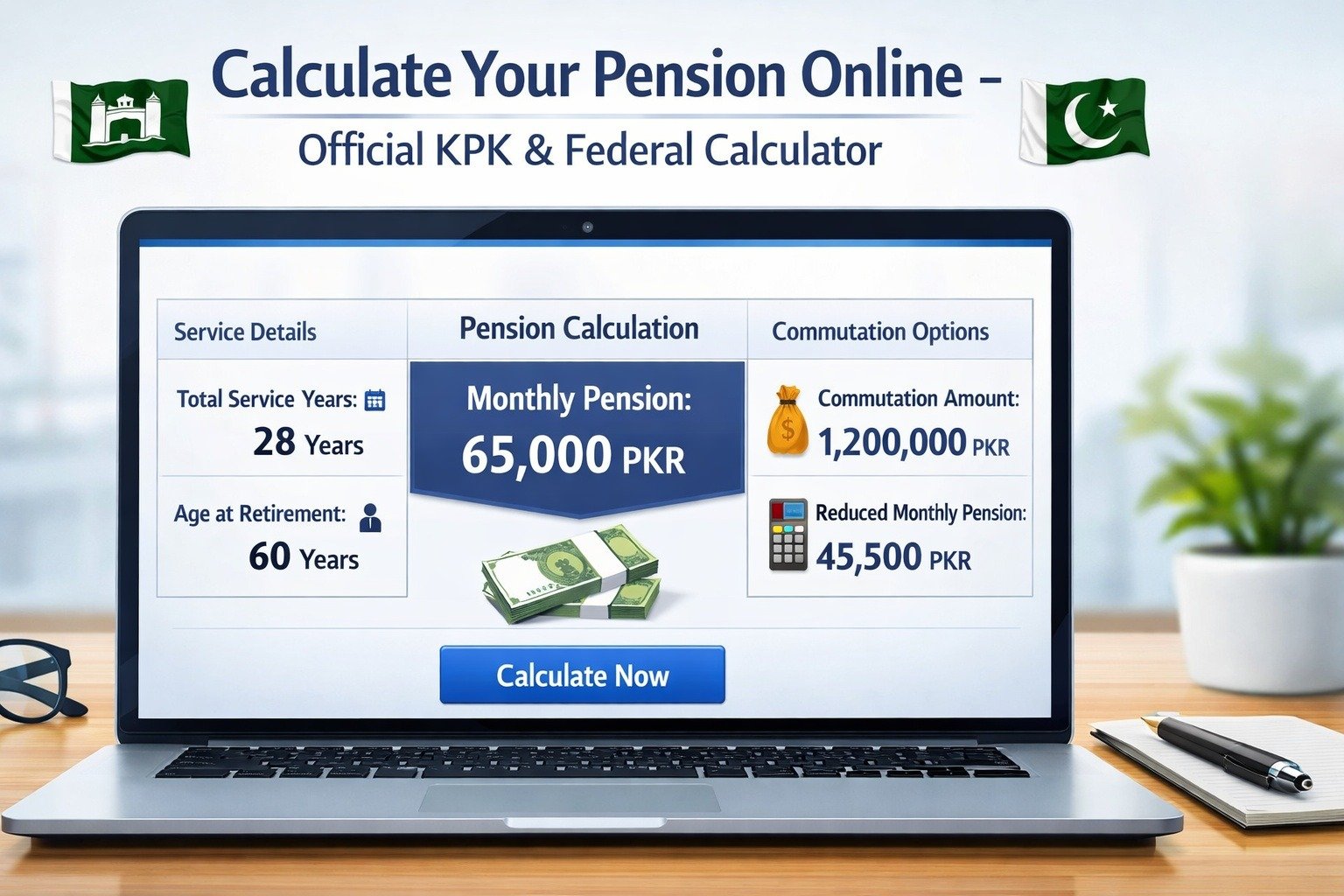
Within seconds, you’ll see a breakdown of your estimated pension. This includes your monthly pension amount, gratuity calculations, and commutation options if applicable.
Key Benefits: Why You Should Use This Calculator Today
Beyond just knowing a number, this calculator offers several practical advantages that directly impact your financial wellbeing.
| Benefit | How It Helps You |
|---|---|
| Financial Planning | Understand exactly what income to expect, helping you plan post-retirement lifestyle and expenses |
| Early Retirement Decisions | See the financial impact of retiring early versus working until the mandatory retirement age |
| Investment Planning | Knowing your pension helps you determine how much additional savings you need |
| Official Accuracy | Government-verified calculations mean no surprises when you actually retire |
| Instant Results | No waiting for responses from departments or filing formal requests |
Real-World Impact
Consider this scenario: A BPS-18 officer with 28 years of service was considering early retirement. Using the calculator, he discovered that waiting just two more years to complete 30 years would increase his pension by approximately 15%. That’s a significant difference over a 20–30 year retirement period.

Understanding Your Pension Calculation: The Formula Explained
While the calculator does the heavy lifting, understanding the underlying logic helps you make sense of the results. Let me demystify the pension formula.
Basic Pension Formula
For employees with 30 or more years of qualifying service, pension equals your last drawn basic pay. That’s the simple part. But what about everyone else?
For those with less than 30 years, the formula is: (Last drawn basic pay × Qualifying service in years) ÷ 70
Pension = (50,000 × 25) ÷ 70 = Rs. 17,857 per month
What Counts as Qualifying Service?
Not all time spent in government service qualifies for pension calculations. Here’s what typically counts:
- Permanent service in government positions
- Regularized contract service (after official conversion)
- Approved study leave
- Extraordinary leave in specific circumstances
What usually doesn’t count: Initial probation periods (unless later regularized), unauthorized absences, and service on purely ad-hoc basis without regularization.
Additional Components
Your pension isn’t just a single monthly payment. The calculator also helps you understand:
- Gratuity: A lump-sum payment based on your service length
- Commutation: Option to convert part of your monthly pension into an immediate lump sum
- Annual Increases: Pensions are periodically adjusted based on government notifications
Common Mistakes to Avoid When Using the Calculator
After reviewing hundreds of pension queries, certain errors keep popping up. Let’s make sure you avoid them.
Mistake #1: Including Allowances in Basic Pay
Many employees confuse their total salary with basic pay. Remember: pension calculations use only your basic pay scale amount, not allowances like house rent, medical, or conveyance. These allowances stop after retirement.
Mistake #2: Incorrect Service Calculation
Some employees forget to exclude non-qualifying service periods. If you had a break in service or worked on contract before regularization, those periods might not count toward pension.
Mistake #3: Ignoring Policy Changes
Pension rules occasionally change. While the calculator stays updated, make sure you’re using the latest version. Government notifications from the Finance Division or provincial Finance Departments can affect pension calculations.
Mistake #4: Forgetting About Taxes
Pensions above certain thresholds are subject to income tax. The calculator shows gross pension, but your actual take-home might be slightly less after tax deductions. It’s worth consulting the Federal Board of Revenue (FBR) guidelines for retiree taxation.
Expert Insights: Financial Planning for Government Retirees
I spoke with financial advisors who specialize in helping government employees plan for retirement. Here’s what they emphasize:
Start Early, Benefit Long
Financial planner Ahmed Khan, who has worked with federal employees for over 15 years, notes: “The employees who use pension calculators early in their careers make fundamentally better financial decisions. They understand their retirement income gap and plan accordingly.”
The 70% Rule
Retirement experts suggest you need approximately 70–80% of your pre-retirement income to maintain your lifestyle. If your pension doesn’t reach that threshold, you’ll want to build additional retirement savings.
Understanding Medical Benefits Post-Retirement
One aspect the calculator doesn’t cover is medical benefits. Federal and KPK employees typically retain medical coverage after retirement, but understanding the specifics requires checking with your department’s administration.

What Happens Next? Your Pension Journey
Using the calculator is just the first step. Here’s what typically happens as you move toward retirement:
Timeline to Retirement
| Timeframe | Action Required |
|---|---|
| 6 Months Before | Inform your office, start gathering service documents, verify all records |
| 3 Months Before | Submit formal retirement application, initiate pension case file |
| 1 Month Before | Complete medical examination, finalize bank account details for pension |
| Retirement Date | Receive pension payment order (PPO), gratuity processed |
| After Retirement | First pension payment (usually within 1–2 months), annual life certificates |
Future Policy Implications
Pakistan’s pension system is evolving. There’s ongoing discussion about pension reforms, including potential moves toward contributory pension schemes for new employees. The current defined benefit system (where you’re guaranteed a specific pension) might change for future generations of government employees.
For current employees, however, your pension rights are protected under existing laws. Any policy changes typically apply to new entrants, not serving employees.
Frequently Asked Questions
Final Thoughts: Take Control of Your Retirement Future
The availability of the official pension calculator marks a significant step toward transparency and empowerment for government employees. No longer do you need to wait until retirement to understand your financial future.
Whether you’re a fresh BPS-16 officer just starting your career or a BPS-20 senior preparing for retirement, this tool gives you clarity and control. Use it regularly — maybe once a year — to track how your pension evolves with promotions and additional service years.
Remember, retirement planning isn’t just about numbers on a calculator. It’s about envisioning the life you want to lead after your government service ends and ensuring you have the financial foundation to make that vision a reality.
🎯 Quick Action Steps
1. Access the calculator using the link provided
2. Calculate your current pension projection
3. Assess if additional savings are needed
4. Review your service record for accuracy
5. Consult with your accounts office if you have questions
Thousands of government employees have already benefited from this tool. Now it’s your turn to take that important first step toward secure retirement planning.