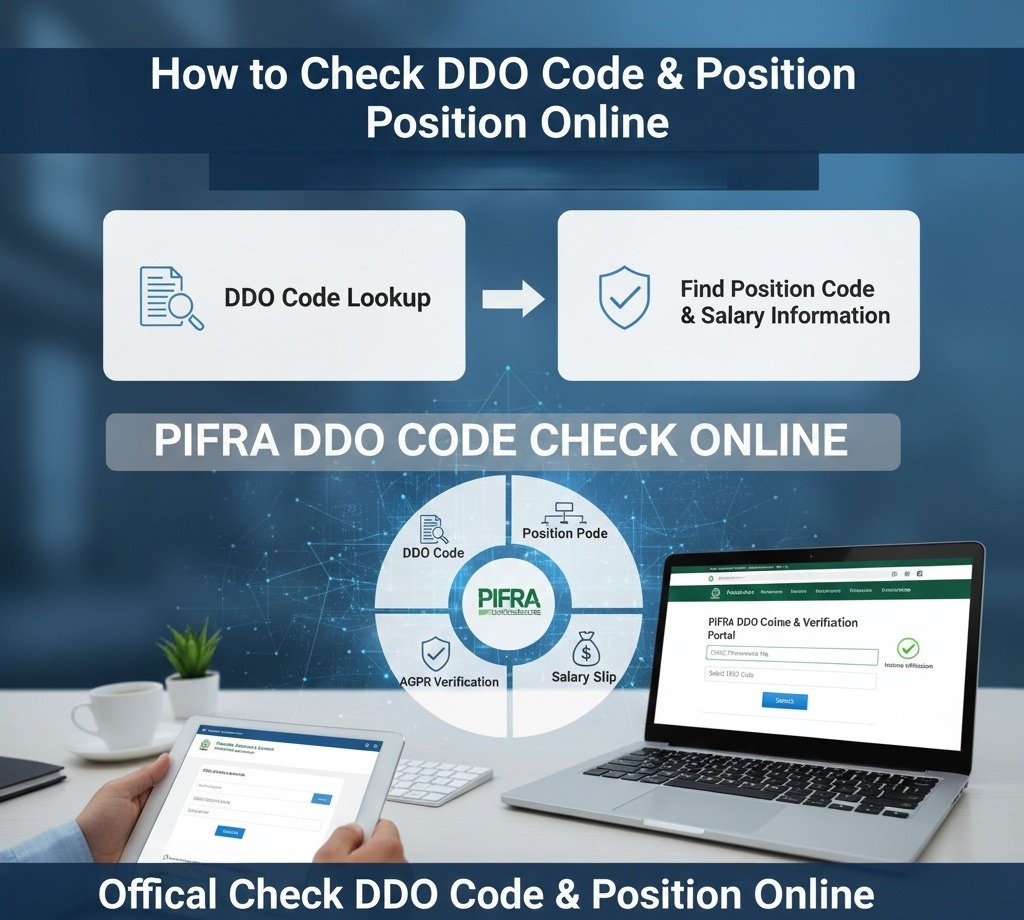
📋 Introduction
In Pakistan’s government payroll and financial management system, having the correct codes is very important for smooth salary generation, budget control, and audit compliance. Every government employee, from the Federal Government to Punjab, Sindh, KPK, Balochistan, and District Governments, is assigned a specific DDO code PIFRA and an approved PIFRA position code. Proper coding ensures salaries are paid on time, budgets are managed correctly, and audits go smoothly.
This guide shows you how to do a simple DDO code check, manage your DDO position code, and understand how sanctioned posts are handled through the PIFRA and FABS/SAP systems. Whether you are a DDO, administrative officer, or government employee, following these steps will help you avoid salary delays, budget mismatches, and audit issues, from Gilgit-Baltistan to Kashmir, and from Balochistan to Sindh, KPK, and Punjab.
🔍 What Is a DDO Code in PIFRA?
A DDO code PIFRA (Drawing and Disbursing Officer code) identifies the controlling office responsible for salary disbursement and budget utilization. Each DDO code is mapped in the FABS/SAP system to:
- A specific department or office
- Approved budget allocations
- Sanctioned employee positions
Performing a DDO code check ensures that salaries, bills, and vendor payments are processed under the correct administrative authority.
⚠️ Common Issues From Incorrect DDO Codes
Incorrect DDO codes are one of the most common reasons for:
- Delayed salaries
- Rejected bills
- Budget discrepancies
🎯 Understanding PIFRA Position Code & DDO Position Code
A PIFRA position code (also referred to as a DDO position code) represents a sanctioned post approved within the departmental budget. Every government employee must be mapped to a valid position code for salary generation through the PIFRA salary slip system.
📌 Why Position Codes Are Mandatory
- Each position code is linked to a specific grade and designation
- It ensures salary is charged against the correct DDO budget
- It prevents unauthorized or excess hiring
Without a valid DDO position code, salary generation in PIFRA becomes impossible.
Whether an employee is working in Punjab, Sindh, KPK, Balochistan, Kashmir, or Gilgit-Baltistan, the PIFRA position code ensures proper budget utilization nationwide.

💼 Importance of Position Codes in DDO Budget PIFRA
The DDO budget PIFRA system tracks expenditures based on sanctioned positions. Each position code consumes budget only when it is marked as Occupied.
This allows:
- Accurate DDO budget detail tracking
- Prevention of excess expenditure
- Smooth audit and compliance checks
A mismatch between DDO budget detail and active position codes can result in audit objections or salary blocks.
📝 Step-by-Step Guide: How to Verify DDO Code & Position Code
Step 1: DDO Portal Login
The Drawing and Disbursing Officer logs into the FABS/SAP portal using authorized credentials. Make sure you’re accessing the official government portal that ends with .gov.pk domain.
Step 2: Access Position Reports
Navigate to:
- Sanctioned Strength Report, or
- Position Code / Post Management Section
Step 3: Perform DDO Code Check
Ensure the DDO code PIFRA matches:
- The correct department
- The correct wing or office
Step 4: Verify Position Occupancy
Check whether the DDO position code is:
- Occupied — Position is currently filled
- Vacant — Position is available
If an employee is transferred (for example, from District Government Punjab to another province), the position code must be updated accordingly.
Step 5: Match With DDO Budget Detail
Cross-check all active positions with the DDO budget PIFRA to confirm:
- No duplicate mapping
- No excess utilization beyond approved budget
✅ What To Do and What Not To Do (Critical Compliance Rules)
✅ What To Do
- Verify PIFRA position code details during annual budget preparation (SNE)
- Ensure the designation in SAP matches the employee’s service book
- Coordinate with the District Accounts Office (DAO) for corrections
- Regularly perform DDO code check to avoid payroll disruption
- Keep updated records of all position codes and their occupancy status
- Report any discrepancies immediately to your supervisor
❌ What Not To Do
- Do not generate salary for a Vacant position code
- Do not map two employees to one DDO position code
- Do not ignore mismatches between DDO budget detail and sanctioned strength
- Do not delay position code updates after employee transfers
- Do not share your login credentials with unauthorized persons
- Do not skip monthly reconciliation of budget vs actual positions
🔗 DDO Code Check & Position Code Verification via PIFRA
Users searching for DDO code check, DDO code PIFRA, or PIFRA position code verification can access official guidance pages to understand correct coding procedures and resolve discrepancies.
Correct verification ensures:
- Smooth salary processing
- Accurate bill generation
- Proper budget control
🔗 Official DDO Code & Position Code Guide:
https://pifraregistration.com.pk/pifra-ddo/
📚 Related Resources & Helpful Guides
Explore these related topics to enhance your understanding of PIFRA systems:
Register for PIFRA Salary Slip Bill Status AGPR Vendor Number Check Online DDO Budget PIFRA DDO Code PIFRA PIFRA Email Registration Guide PIFRA Complete Guide❓ Frequently Asked Questions (FAQs)
🎯 Final Words
🔗 Official Government Resources
⚠️ Important Disclaimer & Notice
- Non-Government Entity: This website is an independent, private, and unofficial educational blog. We are NOT affiliated with, authorized by, or endorsed by the Government of Pakistan, the Accountant General Pakistan Revenues (AGPR), PIFRA, or any provincial Finance Department.
- Purpose of Information: All content provided here is intended for general informational and guidance purposes only. Our mission is to help government employees use official digital resources more easily and effortlessly.
- Data Privacy: We do not collect, store, or ask for your sensitive personal data such as CNICs, Personnel Numbers, passwords, or bank details. For your security, always enter such information only on official .gov.pk websites.
- Liability Limitation: While we strive for accuracy, we are not liable for any technical difficulties, errors, or “service out of order” issues on official government portals. We are not responsible for any financial loss or administrative issues resulting from the use of this guide.
- Official Links: All external links provided in our articles are directed toward official Government of Pakistan services. Users are advised to verify the URL (ensuring it ends in .gov.pk) before submitting any data.
For official assistance, please contact your respective District Accounts Office (DAO).