No Official CNIC Breach Checker Exists—But You Can Still Protect Yourself
Pakistan currently does not have a public CNIC breach checker. Many websites claim they can show leaked databases or family records by CNIC number. Most of these services collect your sensitive information instead of protecting it.
The good news? Several official tools help you detect suspicious CNIC activity quickly. This article explains what works and what to avoid.
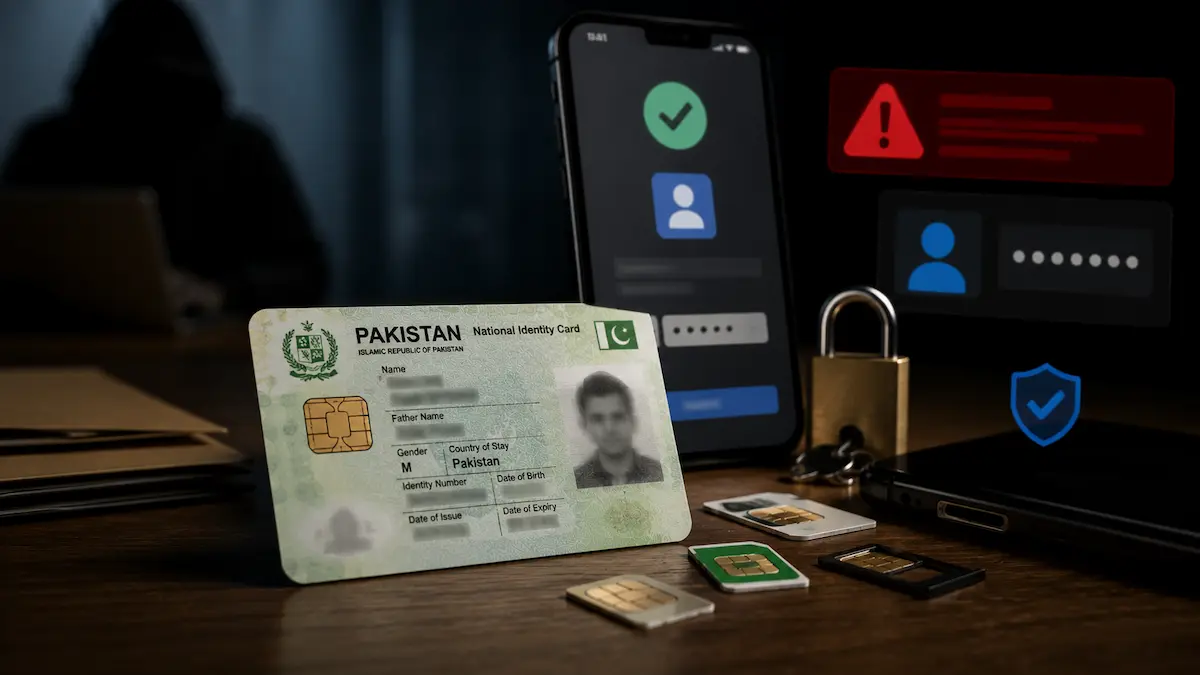
Why CNIC Security Matters More Now Than Ever
A CNIC connects to almost every major service in Pakistan. Mobile numbers, banking, government programs, digital wallets, travel systems, and utilities all link back to your CNIC. As more services move online, identity misuse creates bigger risks.
Fraudsters know this. They target CNICs because one stolen identity opens doors to multiple services. A fake SIM registered to your CNIC can unlock bank apps. Unauthorized accounts can drain wallets. The stakes are high.
Common Risks When CNICs Are Misused
| Risk Type | What Happens |
|---|---|
| Unauthorized SIMs | Fraudsters receive bank OTPs and verification codes |
| Fake Accounts | Financial loss through loans or purchases in your name |
| Identity Theft | Services misused, credit damaged, recovery takes months |
| Social Engineering | Scammers access sensitive information through phishing |
Step 1: Check SIMs Linked to Your CNIC Right Now
This is the fastest official method to spot suspicious activity. Here’s how it works.
The SMS Method Takes 2 Minutes
Open your phone’s SMS app. Type your 13-digit CNIC without dashes. Send it to 668. Within seconds, you’ll receive a message showing how many SIMs each telecom operator has registered against your CNIC.
Do this once a month. If you see unknown SIMs, act immediately. Visit the operator’s franchise with your original CNIC. Ask them to verify who registered it. If you didn’t approve it, file a complaint on the spot.
Why Fraudsters Love SIM Fraud
A fake SIM registered to your CNIC connects to your bank account. Fraudsters receive OTPs meant for you. They access your mobile wallet. They reset passwords. One SIM opens every door. That’s why checking monthly matters.
Step 2: Use Official Identity Services to Monitor Your Records
Beyond SIM checks, Pakistan’s official identity platforms let you verify and update your information. NADRA, the National Database and Registration Authority, manages the national identity system. Visit the official PakID portal to review your identity details and verify no unauthorized changes exist. You can also reference the NADRA home-based CNIC modification service for updates.
Small updates—like confirming your contact details or removing old addresses—reduce exposure to fraud. When scammers target you, they target outdated information first. Keeping records fresh makes you harder to impersonate.
Monthly Identity Security Checklist
Spend five minutes every month on this routine. It’s faster than checking social media.
Week 1: Check SIM registrations via 668. Note any unknown operators.
Week 2: Review identity-related notifications from NADRA or your bank.
Week 3: Update passwords for accounts linked to your CNIC.
Week 4: Verify no suspicious activity exists in your bank or telecom account.
Consistency matters more than complex tools. Regular checks catch 95% of fraud before real damage happens.
Step 3: Protect Your Digital Identity Before Problems Start
Prevention is easier than recovery. A few simple habits keep your CNIC safer.
| Action | Why It Helps |
|---|---|
| Keep one permanent number linked to your CNIC | Easier to spot unauthorized SIMs |
| Enable OTP verification on all accounts | Blocks unauthorized login attempts |
| Avoid unnecessary photocopies of CNIC | Less exposure to theft or misuse |
| Store documents securely at home | Reduces physical theft risk |
| Update passwords every three months | Better protection against hacking |
What Not to Share Online
Never post or share CNIC front and back photos on social media. Don’t send OTP codes to anyone. Avoid screenshots of biometric data. Don’t forward verification messages. Scammers collect these pieces and build fake accounts.
How to Report Unauthorized SIMs and Fraud
If you find suspicious SIMs or accounts, report them immediately. Delays give fraudsters time to cause damage.
Option 1: PTA Complaint Portal
Use the official Pakistan Telecommunication Authority complaint system. File a complaint online with details of unknown SIM registrations. Keep your reference number.
Option 2: Visit a Telecom Franchise
Bring your original CNIC, the SMS proof from 668, and your complaint reference number. Ask the franchise manager to block unauthorized SIMs immediately. Request written confirmation of the action taken.
Option 3: FIA Cyber Crime Report
If fraud, financial loss, or identity theft is involved, file a report through the FIA Cyber Crime portal. Provide evidence of the unauthorized SIM and any fraudulent activity linked to it. The FIA can freeze accounts and trace the fraudster.
Scams to Avoid: Don’t Fall for These Tricks
Many scams exploit fear around leaked databases and CNIC misuse. Know the warning signs.
Red Flags and Common Tricks
| Scam Type | What You Risk |
|---|---|
| Fake CNIC checker websites | Your CNIC data and personal information stolen |
| APK tracker apps downloaded outside official stores | Malware that tracks your phone and steals credentials |
| WhatsApp groups selling “leaked databases” | Fraud and identity theft schemes |
| OTP collection pages pretending to be banks | Complete account takeover and financial loss |
Simple Rule: If It Asks for Sensitive Data, Avoid It
Legitimate services never ask for full CNIC plus OTP in one step. They don’t request fingerprints or biometric screenshots. They don’t ask for mobile wallet access. They don’t push you to download unknown apps.
If a website or app requests sensitive information before proving authenticity, don’t use it. Trust your instinct.
Why Pakistan’s Identity System Feels Scattered
Pakistan’s digital identity has improved fast. But citizens still move between separate systems for SIM verification, complaint reporting, identity services, and fraud reporting. This fragmentation creates confusion.
Until a centralized monitoring dashboard exists, you must use multiple official tools. That extra effort feels inconvenient. But regular checks take less than five minutes monthly and catch 95% of fraud early.
The official NADRA website and the Pakistan Telecommunication Authority remain your most reliable resources for identity verification and telecom fraud reporting.
Frequently Asked Questions
Is there an official CNIC breach checker in Pakistan?
No. Pakistan currently does not have a public CNIC breach status checker where users can enter their CNIC number and instantly see leak reports. However, official tools are available to monitor identity activity and detect misuse early.
How can I check SIMs registered against my CNIC?
Open your SMS, type your 13-digit CNIC without dashes, and send it to 668. You will receive a reply showing operator-wise SIM count linked to your CNIC. Do this monthly to catch unauthorized registrations.
Can someone register unauthorized SIMs using my CNIC?
Yes, unauthorized registrations can happen. Regular SIM checks via the 668 SMS method help detect suspicious activity early. If you find unknown SIMs, visit the operator franchise with your original CNIC to report and verify immediately.
Are CNIC tracker apps safe to use?
Only use official government platforms for CNIC verification. Many third-party tracker apps and websites collect sensitive information rather than protect it. Avoid services that ask for full CNIC plus OTP or biometric data.
How often should I check my CNIC identity status?
Monthly monitoring works best. A simple five-minute routine checking SIM registrations, reviewing identity notifications, updating passwords, and verifying no suspicious activity exists helps catch problems early and prevents fraud.
What should I do if I find unauthorized SIMs on my CNIC?
Report immediately through the PTA Complaint Management System, visit a telecom franchise with your original CNIC and SMS proof, or file a report through the FIA Cyber Crime portal if fraud or financial loss is involved.